Set PLEX PIN
Purpose
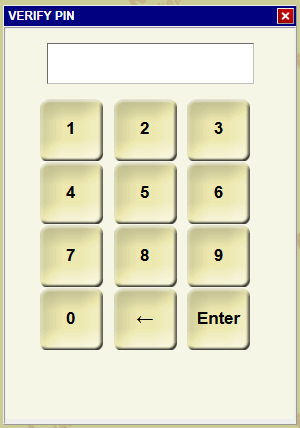
This guide walks you through setting up or changing your 6-digit PIN in PLEX. Your PIN is used for secure approvals and actions in Plex Control Panel.
Prerequisites
- You must have a valid PLEX account and your current login credentials.
- You must be able to log in to PLEX successfully (if you are locked out, see the PLEX Password Reset guide).
Steps
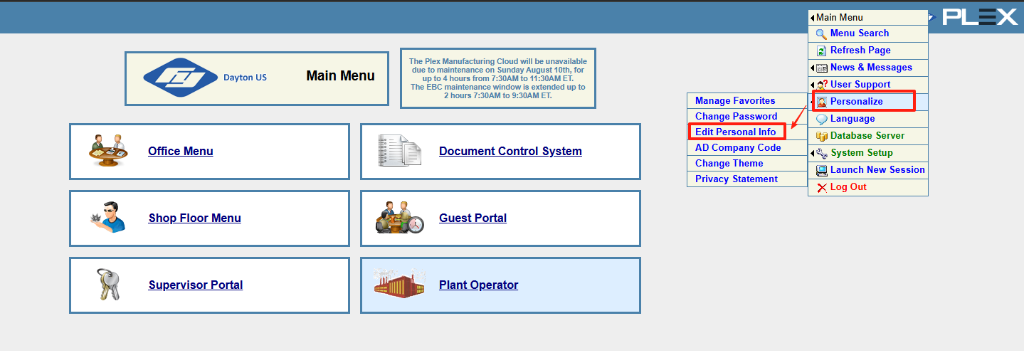
- Log in to PLEX and navigate to the Main Menu.
- Under the User Support section, hover over Personalize and click Edit Personal Info.
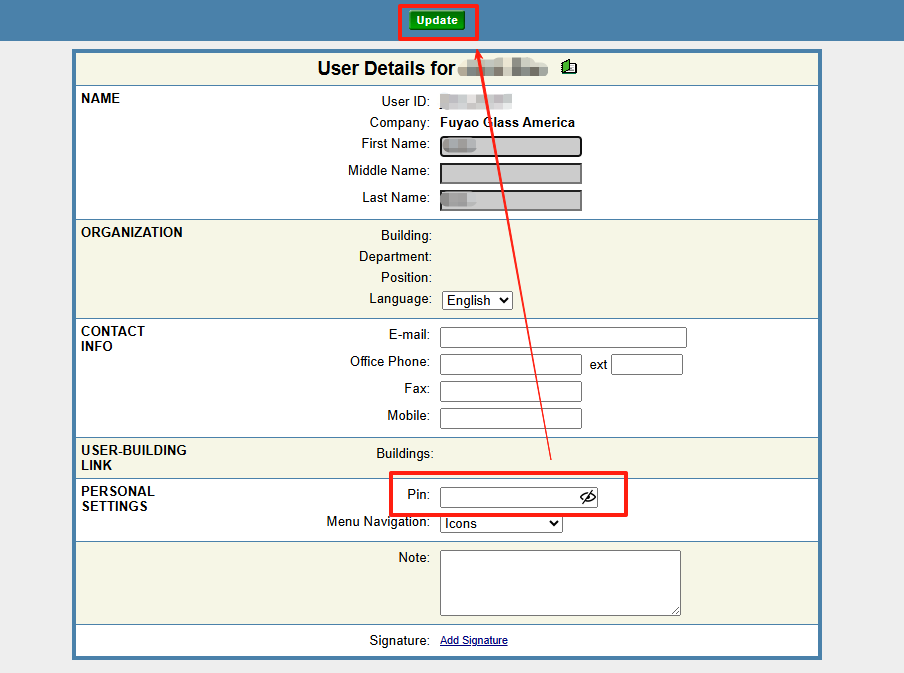
- On the User Details screen, scroll down to the Personal Settings section.
- Enter your desired PIN in the Pin: field.
- Scroll back up to the top of the page and click the green Update button to save your changes.