Printing Instructions
Purpose
This guide walks through the standard process for printing on the shared network printers.
Prerequisites
- You must know your 4-digit department code (for example, the Coating department uses
6500) and your personal password. - If you do not know your department's 4-digit code, please ask your supervisor or manager.
Steps
-
Click Print on your computer document.
-
A popup will appear on your screen. Enter your User ID (4-digit department code) and click OK.

-
Walk over to the physical printer. Find your print job on the display, and enter your password to print.
Common Issues
| Symptom | Likely Cause | Fix |
|---|---|---|
Print an "Error Notice" page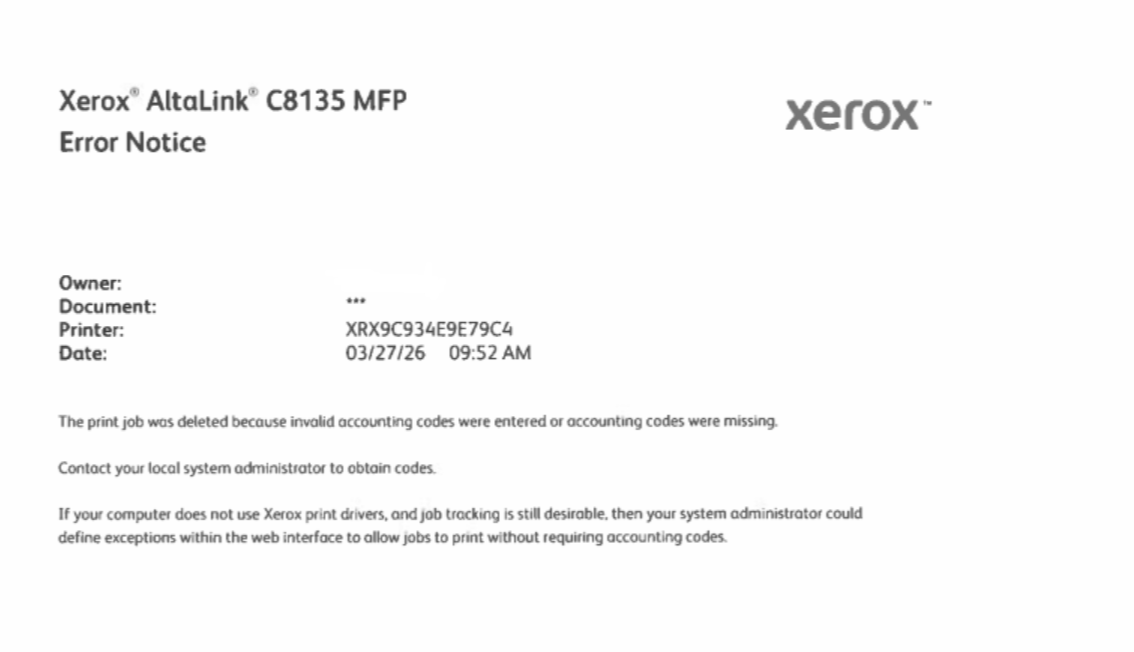 (Click to enlarge) | Incorrect User ID | You have entered the wrong 4-digit department code on your computer. Double-check the code with your manager and try printing again. |