Manage Group and Distribution List
Purpose
This guide provides the direct link to view and manage any Microsoft Exchange groups and distribution lists that you own.
Steps
-
Click the link to access the Exchange admin center: Manage My Groups
-
Log in with your Microsoft 365 account.
-
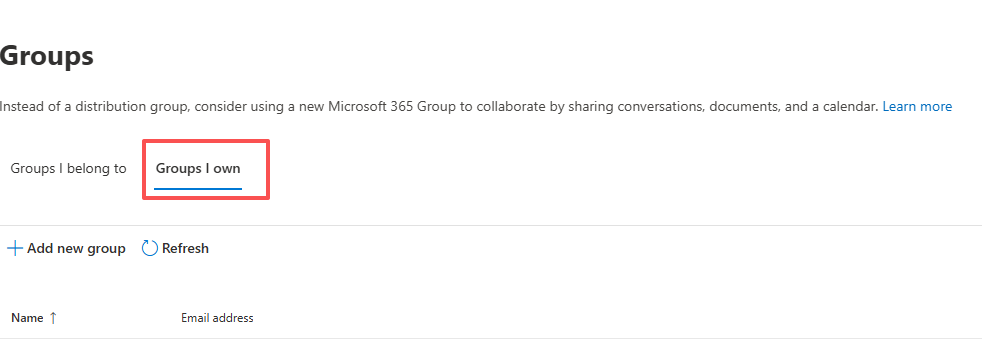
You will be redirected to the Groups page. Click on "Groups I own" to manage your groups.